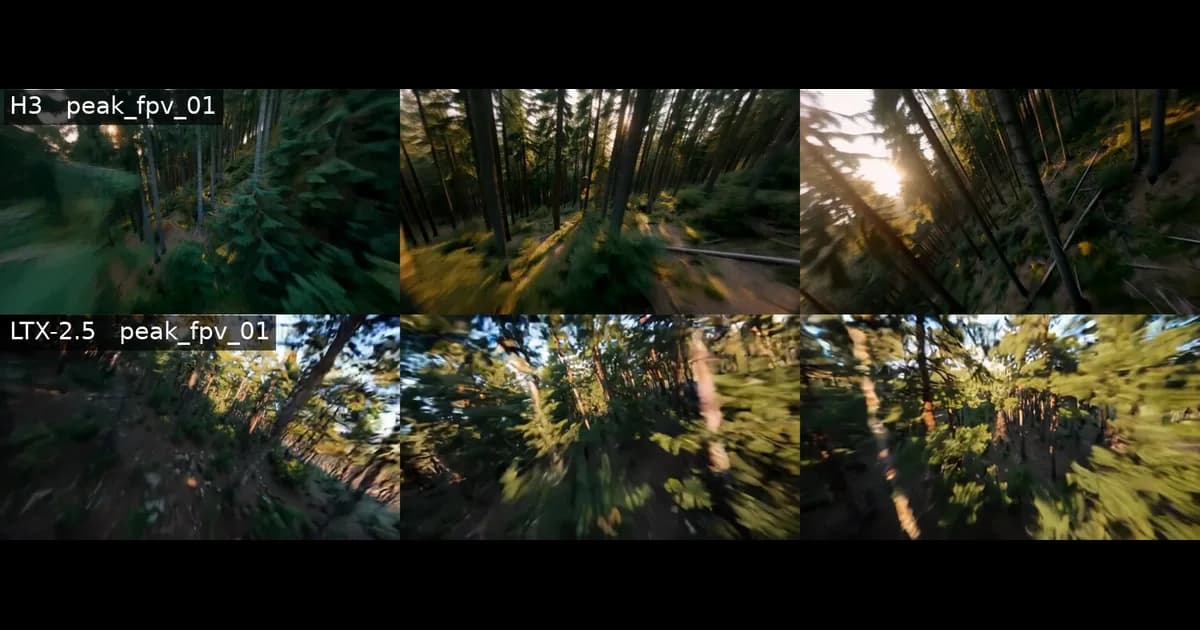
Product Demo Videos with Remotion: 17 Failed Tries
17 videos produced, nearly all unusable — until we deconstructed Anthropic's YouTube library. How we built a polished 30s demo with Remotion.
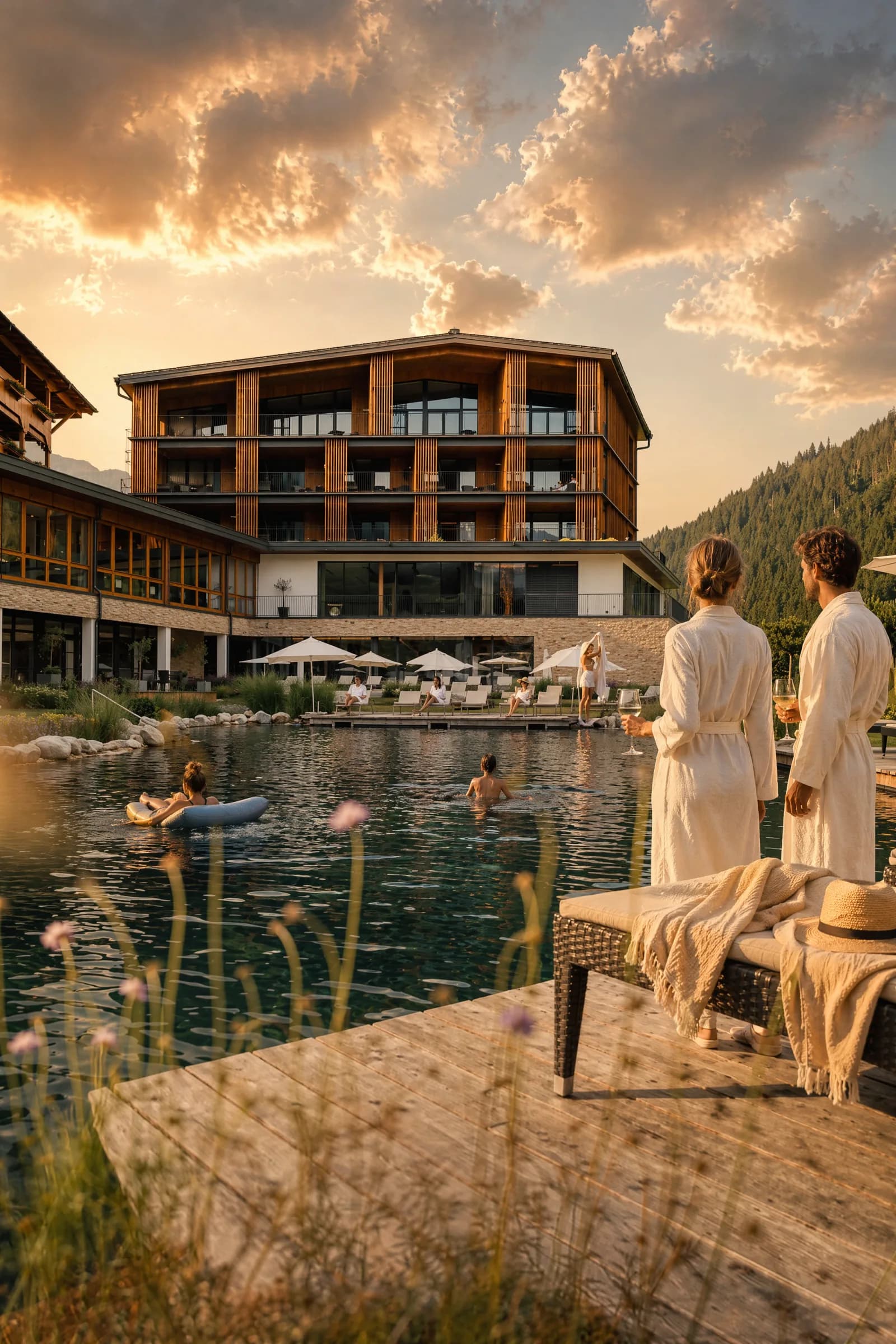
A product demo video sounds simple. Show the product, done. In practice: 17 videos produced, a week burned, and in the end all of them were unusable.
This is the honest retrospective — what went wrong, how we found the breakthrough, and what we'd do differently from the start next time.
The setup
- Product: AgencyFlow CRM (React 18 + Supabase + Tailwind)
- Video engine: Remotion 4.0 — programmatic video in React
- TTS: Voxtral 4B from Mistral, running locally via MLX
- Goal: Demo videos that re-render cleanly whenever the product changes
Phase 1: "Just rebuild the UI" — the naive approach
What we did: Created a Remotion project in the CRM repo, built custom React components meant to imitate the CRM — sidebar, metric cards, tables, charts.
What happened: 17 videos produced. 6 demo variants, 5 "banger concepts," 6 workflow stories. Not a single one looked good.
The recreated UI always looked like a fake. More variants of a bad approach just produce more bad videos.
Lesson: A rebuilt UI always reads as "off." More iterations don't fix that.
Phase 2: Studying Tailwind classes — iteration hell
What we did: Analyzed the actual CRM source code — exact Tailwind classes, table headers (bg-slate-800/50 text-xs uppercase tracking-wider), status badge styles, the PDF layout from pdfGeneratorV2.js.
What happened: Closer, but with sharply diminishing returns. Every fix exposed a new mismatch. 80% accuracy was the ceiling.
Then: camera zoom onto action areas (1.6x) so the UI fills the frame. Improved readability but didn't solve the core problem.
Lesson: Zoom helps, but it doesn't substitute for real accuracy.
Phase 3: Importing real components — webpack mocking
What we did: Configured Remotion's webpack to intercept CRM imports and replace them with mocks:
NormalModuleReplacementPluginforsupabaseClient,AuthContext, service files- React Query cache pre-seeded with demo data
delayRenderfor lazily loaded charts
What happened: The real DashboardPage.js rendered inside Remotion — pixel-perfect, because it's the actual component. Revenue chart, metric cards, everything.
// Webpack config in remotion.config.ts
config.overrideWebpackConfig((currentConfig) => {
  currentConfig.plugins?.push(
    new NormalModuleReplacementPlugin(
      /supabaseClient/,
      path.resolve(__dirname, 'mocks/supabaseClient.js')
    )
  )
  return currentConfig
})
Lesson: This works — but every new service dependency needs its own mock. Solid as a foundation, too slow for fast iteration.
Phase 4: How do the pros do it? — the breakthrough
This was the game changer.
What we did: Downloaded 10 videos from the Anthropic YouTube channel, extracted a frame every 0.5 seconds with yt-dlp + ffmpeg, then analyzed which visual patterns kept recurring.
yt-dlp https://youtube.com/@anthropic -x --format mp4 -o "%(title)s.%(ext)s"
ffmpeg -i video.mp4 -vf fps=2 frames/frame_%04d.jpg
What we found — Anthropic's design system:
| Element | Detail |
|---|---|
| Background | Warm beige — no dark mode |
| Typography | Serif font for hooks |
| Device frames | Floating phone + browser with soft shadow |
| Transitions | Fades only — no slides, no zooms |
| Cursor | No cursor visible |
| Labels | No feature labels |
| Text | Types itself in, content scrolls inside the device |
| Ending | Logo end card |
Lesson: The best product videos don't show the whole app. They show focused moments inside clean device frames on a neutral background.
Phase 5: Their style, our identity
What we did: First built an Anthropic-like demo — beige background, serif font, floating frames.
Problem: It looked like Claude, not like AgencyFlow.
Fix: Switched to the CRM's own design system:
| Anthropic | AgencyFlow |
|---|---|
Warm beige (#f5f0e8) | Cinematic dark (#0c1222) |
| Serif font | Inter |
| Neutral accents | Blue/purple gradient |
| Light UI | Dark CRM surface |
Lesson: Borrow layout and structure from the best — but keep your own identity.
The failed attempts — for the record
Before the final video came together, it looked like this:
Phase 6: The final formula — effortless storytelling
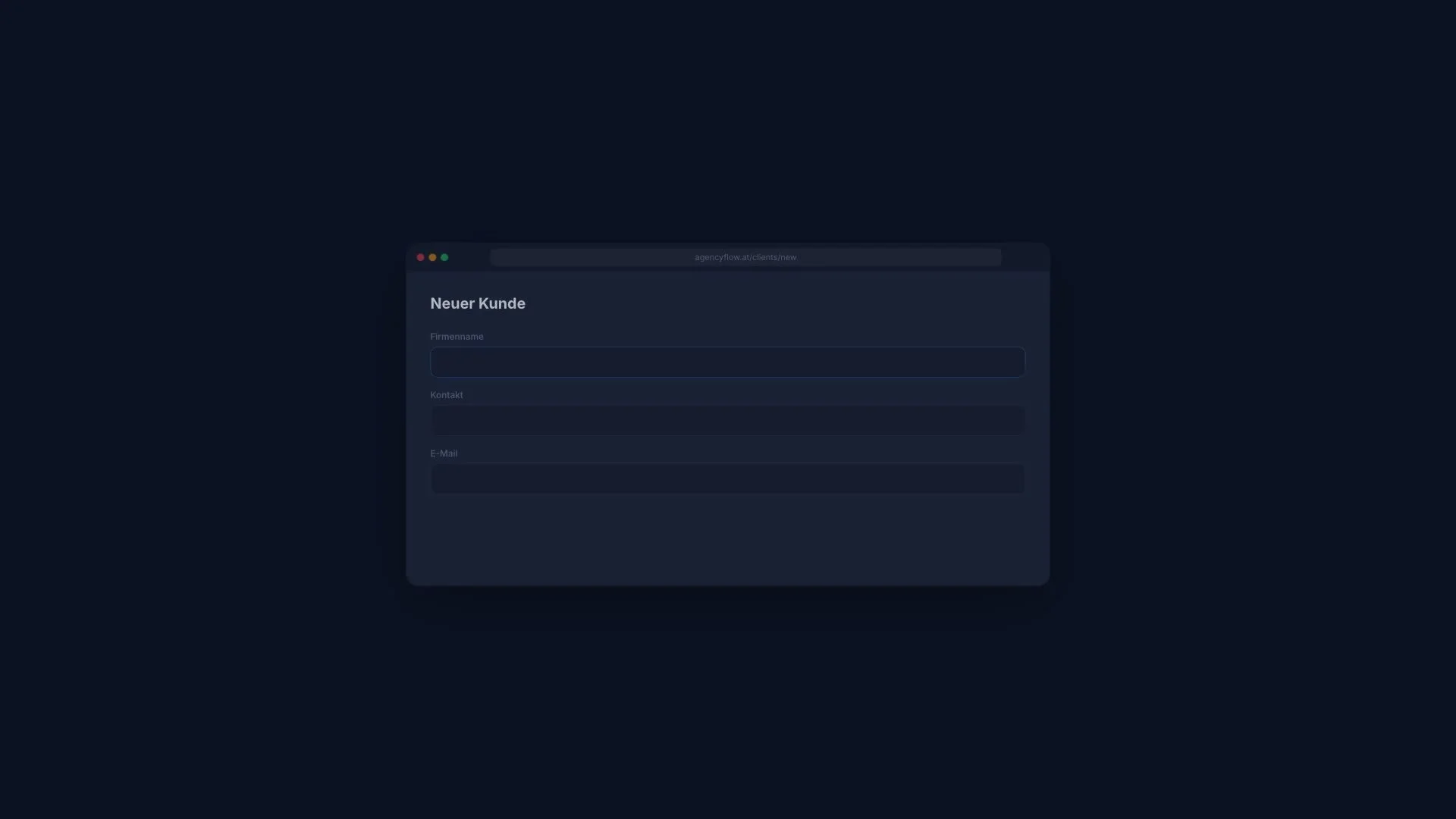
No feature labels. No explanatory text. Just: form fills in → green checkmark. Kanban card slides over → lands in "Done."
The 8 scenes of the final 30-second demo:
- "Paperwork?" — one word, large, on a dark background
- Form fields type themselves in: name, contact, email → "Client created ✓"
- Services with prices fade in → total calculated → "Send quote"
- Green notification "Accepted!" → arrow → invoice card appears
- Kanban card slides from "In progress" to "Done"
- Timer runs 02:34:13, red pulsing dot
- Revenue counter climbs to €127,450, chart draws itself
- Logo + "Try it free →"
Lesson: Don't explain features — show the workflow. The viewer's brain fills in the value on its own.
Phase 7: Local TTS — Voxtral 4B
What we did: Ran Mistral's Voxtral 4B TTS model locally on the Mac via MLX (mlx-community/Voxtral-4B-TTS-2603-mlx-4bit).
The iteration process:
| Attempt | Problem | Result |
|---|---|---|
casual_male in German | English voice preset — sounds like a native English speaker | ✗ |
cheerful_female | Same problem | ✗ |
| All 7 voices tested | de_male and de_female are the only native German voices | — |
de_female locked in | Sounds natural | ✓ |
| Per-scene clips | Sounds choppy and robotic | ✗ |
| One continuous narration | Smoother, more natural flow | ✓ |
Final parameters:
temperature=0.4, top_k=30, top_p=0.9
Lesson: Use a language-specific voice preset (not a generic one). Generate as one continuous recording, not in pieces. And: write the script FIRST — copy quality beats voice quality.
Phase 8: Putting it all together — the polish pass
What we did: Measured voiceover length (29.36 seconds), trimmed the video from 35s to 30s, adjusted scene durations to hit audio beats, matched the hook text to the narration ("Paperwork?" instead of "Still using spreadsheets?").
Lesson: Audio dictates the timing. Render audio first, then fit the visuals to it.
The full tech stack
| Layer | Tool | Purpose |
|---|---|---|
| Video engine | Remotion 4.0.443 | React → MP4 |
| Styling | Tailwind CSS | Match the CRM design |
| Font | @remotion/google-fonts (Inter) | Brand consistency |
| Transitions | @remotion/transitions (fade only) | Scene changes |
| Animation | spring() + interpolate() | All motion |
| TTS | Voxtral 4B via mlx-audio | Local voiceover |
| Copywriting | Claude Code copy-editing skill | Script iteration |
| Video analysis | yt-dlp + ffmpeg | Competitor deconstruction |
| CI/CD | Remotion CLI | npx remotion render CleanDemo |
Key Remotion patterns
// Floating browser frame
<Browser delay={5} url="agencyflow.at/clients/new">
  {/* CRM content */}
</Browser>

// Typing animation (no cursor)
<Type text="Alpine Lodge Resort GmbH" start={15} speed={0.9} />

// Spring entrance (premium float)
spring({ frame, fps, delay, config: { damping: 28, stiffness: 60 } })

// Continuous voiceover
<Audio src={staticFile('voiceover/vb-storytelling.wav')} volume={0.9} />
What we'd do differently from the start next time
- Start with video analysis — study 5-10 best-in-class videos BEFORE writing a single line of code
- Audio first — write and generate the voiceover script, then build the visuals around it
- One video, 8 iterations — instead of 17 variants of a mediocre approach
- Don't rebuild the UI — either real components via webpack mocking, or floating device frames with simplified content
- Copy beats animation — "Paperwork?" was more effective than 500 lines of spring-animation code
Bonus: square version for social media
From the same Remotion project, a resolution change gets you a 1:1 version for Instagram and LinkedIn. Here's the 25s square variant — I'm actually pretty happy with this one:
Honestly: I'm not satisfied yet
The final video works — but it's not a "wow" yet. The scene timing lands, the voiceover sits right, the design language is consistent. But it's still missing the last spark: the one scene that actually makes you stop scrolling.
That's work in progress. I'm still iterating — next up is a stronger opening hook, sharper micro-animations, and a second voiceover version with a different script approach.
So this isn't a "here's how to do it perfectly" post. It's an honest status update.
Bottom line
Programmatic video with Remotion is powerful — but the workflow isn't intuitive. The biggest time sink wasn't the technology, it was the missing strategy at the start.
The breakthrough didn't come from better coding. It came from analyzing videos that demonstrably work, and understanding why they work.
The result is a video we can re-render any time the product changes. No reshoots, no video editor — just npx remotion render and done.
Want to build programmatic demo videos for your product? I help with the setup — from Remotion through TTS to an automated render pipeline. Let's talk →

Chris Perkles
AI consulting, automation and training from Salzburg. Founder of Skyline Medien and AgencyFlow — his own agency now runs on a fraction of its former resources.